Why It's Important for New Freelancers to Use Invoicing Software
New to freelancing? Here's why invoicing software beats spreadsheets from day one, covering UK legal requirements, HMRC record-keeping, and getting paid faster.
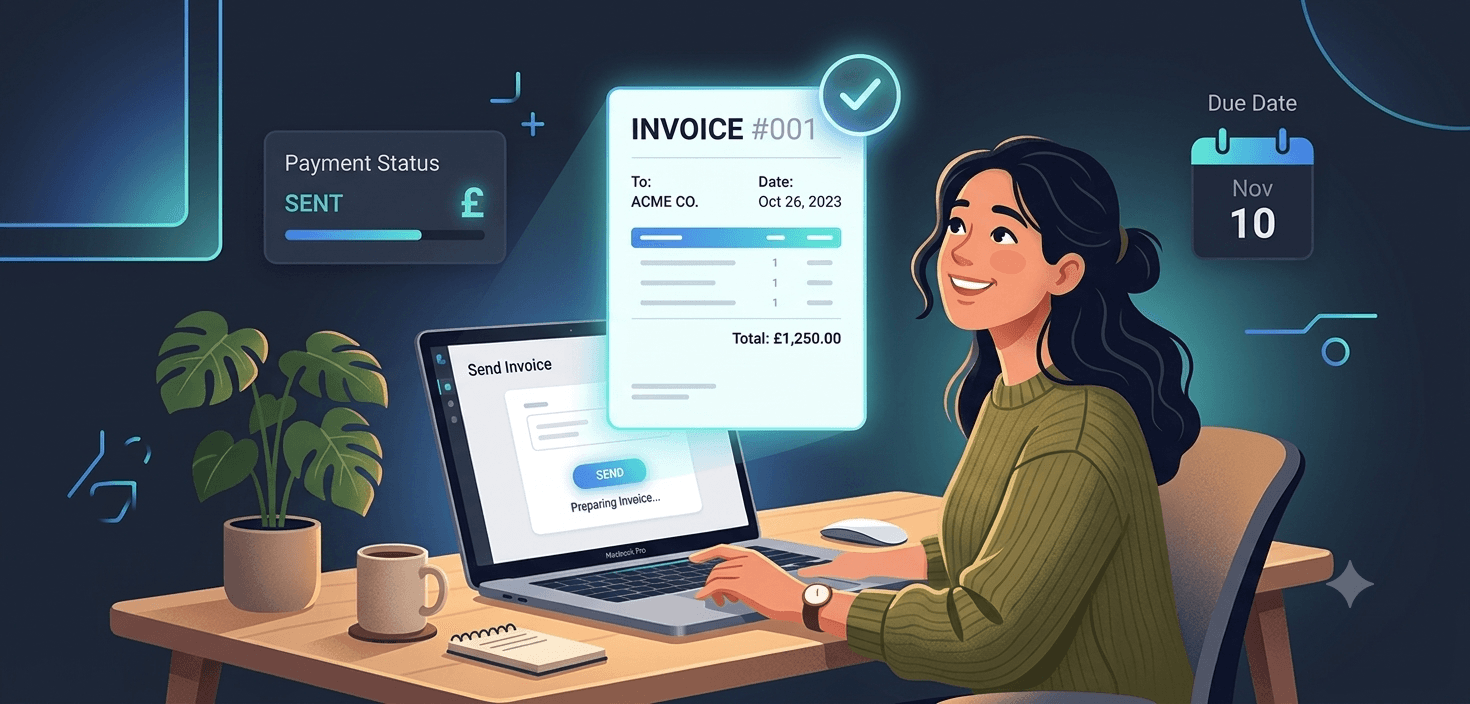
You've landed your first client. The work is done, it's good, and now comes the part nobody warns you about: getting paid for it.
Most new freelancers reach for what's already open on their laptop. A Word document. A Canva template. A spreadsheet inherited from a friend who "does the same thing." It feels fine at first. Then invoice number three goes missing, a client asks for a VAT breakdown you didn't include, and you realise you have no idea which of your last five invoices actually got paid.
This is exactly where invoicing software for freelancers earns its keep. It's not an accessory for when you're "big enough" to need it. For a new freelancer or sole trader in the UK, it's one of the first pieces of infrastructure worth putting in place, right alongside opening a business bank account and registering with HMRC.
Here's why it matters so much, backed by the actual rules and numbers, not just opinion.
The Real Cost of Getting Invoicing Wrong
Late payment isn't a minor inconvenience for freelancers. It's a widespread, measurable problem.
Research from IPSE, the Association of Independent Professionals and the Self-Employed, found that over a third of freelancers (35%) reported being paid late by a client within the last 12 months. The average amount freelancers are currently owed in overdue payments sits at £5,230. One in five self-employed workers (20%) said a late payment left them unable to cover basic living costs like rent and bills.
None of that is caused directly by using a spreadsheet instead of software. But loose, informal invoicing makes every part of that problem worse. When there's no clear invoice number, no stated due date, and no record of when a bill was sent, you have far less leverage to chase a late payment and far less clarity on how much is actually outstanding at any given time.
Invoicing software doesn't eliminate late-paying clients. It does give you the paper trail, the due dates, and the visibility to catch a late payment on day one instead of day forty.
UK Invoicing Isn't Just Good Practice, It's a Legal Requirement
New freelancers often assume an invoice is just a polite request for money. In the UK, it's more than that. GOV.UK sets out specific information that a legally compliant invoice must include:
- A unique invoice number, issued sequentially with no duplicates or gaps
- Your name and any business or trading name you use
- An address where legal documents can be delivered to you, if you're trading under a business name
- Your customer's name and address
- A clear description of the goods or services provided
- The invoice date and the date the goods or services were supplied (both are required, even if they're the same date)
- The amount(s) being charged and the total owed
If you register for VAT (mandatory once your taxable turnover passes £90,000 in any rolling 12-month period, per GOV.UK), your invoices must also show your VAT registration number and the VAT charged, and follow the additional VAT invoice rules.
Miss the sequential numbering rule and you have a problem: gaps or duplicates in your invoice numbers are one of the first things that raise a flag if HMRC ever reviews your records. A spreadsheet or Word template relies entirely on you remembering to update the number correctly, every single time, on every single invoice. Invoicing software handles this automatically, generating the next number in sequence so there's no manual step to forget.
HMRC Record-Keeping Rules You Can't Afford to Ignore
This is the part new freelancers underestimate most.
As a self-employed person, HMRC requires you to keep your business records, including sales invoices, for at least five years after the 31 January submission deadline of the relevant tax year. For example, if you file your 2025 to 2026 tax return online by 31 January 2027, you need to hold onto your records until at least the end of January 2032.
If you file a return more than four years after its deadline, that retention period changes to 15 months after the date you submit it.
These aren't records you keep "just in case." If HMRC opens a check into your Self Assessment return, your invoices are the evidence that backs up the income figure you declared. Losing them, or never having them properly organised in the first place, puts you in a weak position.
Missing the Self Assessment deadline itself is expensive too. GOV.UK sets out the penalty structure for late tax returns:
- A £100 fixed penalty for filing late, which applies even if you owe no tax at all
- Daily penalties of £10 a day after three months, up to a maximum of £900
- A further penalty of 5% of the tax due (or £300, whichever is greater) at six months
- Another 5% (or £300) at twelve months
None of this is about invoicing software directly. It's about the discipline that comes with it. When every invoice you send is automatically logged, dated, and stored in one place, pulling together the figures for your tax return takes minutes instead of a stressful weekend spent hunting through old emails and a laptop folder called "invoices (final) (2)."
Why Spreadsheets and Word Templates Break Down as You Grow
A spreadsheet can absolutely get you through your first invoice. The problem shows up around invoice ten or twenty, when:
- Formulas get overwritten. One wrong cell edit and your totals are quietly wrong on every invoice from that point forward.
- There's no single source of truth for what's paid. You end up cross-referencing your bank statement against a tab that's rarely kept up to date.
- Nothing chases anyone for you. A spreadsheet doesn't know an invoice is fourteen days overdue. You have to remember, then you have to write the awkward email yourself.
- Version control becomes a nightmare. "Invoice_template_FINAL_v3_useTHISone.docx" is a genuine file name freelancers send themselves, and it's a sign the system has already broken down.
- It looks exactly like what it is. A generic template makes even excellent work look like a side hustle rather than a professional service, which matters more than freelancers expect when negotiating rates or landing repeat clients.
None of these are dramatic failures on their own. They're small cracks that widen every month you're in business, right at the point when your client list and your admin load are both growing.
What Good Invoicing Software Actually Solves
Purpose-built invoicing software fixes these problems structurally, not just cosmetically:
- Automatic sequential numbering, so you never duplicate or skip an invoice number by mistake.
- Legally required fields built in, so you're not relying on memory to include your address, the supply date, or VAT details correctly every time.
- A live view of what's paid, outstanding, and overdue, instead of a static list you have to update by hand.
- Automated reminders, so a client fourteen days late gets a polite nudge without you having to write it.
- A five-year, HMRC-ready record, stored in one place instead of scattered across email attachments and downloads folders.
- A professional, consistent look, which signals to clients that you run a proper business, not a hobby.
That combination is what actually improves cash flow. Clients who receive a clear, professional invoice with a stated due date pay faster than clients who receive a Word document with no due date at all. And when someone does pay late, you know it immediately instead of discovering it a month later while doing your books.
Common Mistakes New Freelancers Make Without Invoicing Software
If any of these sound familiar, it's a sign your current setup needs an upgrade:
- Sending invoices with no due date, so "as soon as possible" becomes the client's unofficial payment term
- Reusing an invoice number or skipping one by accident
- Forgetting to note the date services were actually supplied, separate from the invoice date
- Losing track of which invoices were sent, paid, or never even opened
- Discovering at tax return time that three invoices from eight months ago have vanished
- Sending a different-looking invoice to every client because the template kept getting tweaked
Each one is fixable in isolation. Together, they cost freelancers real time, real money, and in HMRC's case, potentially real penalties.
How to Choose Invoicing Software as a New Freelancer
You don't need an enterprise accounting suite to fix this. In fact, tools built for larger businesses (Xero, QuickBooks, Zoho) often add complexity a solo freelancer doesn't need: multi-user permissions, inventory management, payroll modules, and pricing tiers designed for teams, not one person sending a handful of invoices a month.
When you're evaluating options, look for:
- UK invoice compliance built in, so the required fields and sequential numbering are handled for you
- Simple payment tracking, so you can see paid versus outstanding at a glance
- Automatic reminders for overdue invoices
- A record that HMRC could review, organised and retained without extra effort on your part
- Pricing that matches a solo operation, not a 20-person accounts team
This is exactly the gap Qazua was built to fill. It's invoicing software designed specifically for freelancers and sole traders, not a stripped-down version of enterprise accounting software. You get compliant, professional invoices, clear payment tracking, and reminders that chase clients so you don't have to, all for £4.99 a month.
Getting Started
Invoicing software isn't about looking fancier. It's about protecting the time you spend on client work, staying on the right side of HMRC's record-keeping rules, and giving yourself the best possible chance of getting paid on time.
If you're a new freelancer still invoicing from a spreadsheet or a Word template, it's worth switching before the cracks start to show, not after.
Qazua offers a 30-day free trial with no credit card required, so you can send a handful of real invoices and see the difference before committing to anything. Set up your first professional, fully compliant invoice today and stop treating your admin as an afterthought.
Important disclaimer: This article provides general information and is not financial or legal advice. Rules and figures such as VAT thresholds, penalties, and record-keeping periods can change. For specific advice about your situation, consult a qualified accountant. Always check gov.uk for the most up-to-date official information.